Quick talk: why this matters to the person on the ground
Folks who run retail floors, transport hubs or outdoor plazas need hardware that just works — crisp images, steady playback, and quick recovery when pipe wahala show face. A modern LED video controller sits at the heart of that promise, handling resolution scaling, frame buffering and synchronization so content stays true across modules. Think Times Square-level pressure: when thousands eyes dey watch, you cannot drop a frame — that reality drives every choice we make.
How users actually use these players in the real world
Operators want simplicity. They deploy playlists, schedule zones, and expect failover without midnight panic. Key specs they check are pixel pitch for viewing distance, refresh rate for motion smoothness, and video processor quality for scaling and color management. Small teams often prefer off-the-shelf systems with local storage and remote management — that way, edits push live fast and outages get patched with a local backup. Lagos markets or urban malls demand the same reliability as busy airport concourses, only with different uptime windows and local connectivity quirks.
Operational teardown: where engineers focus their effort
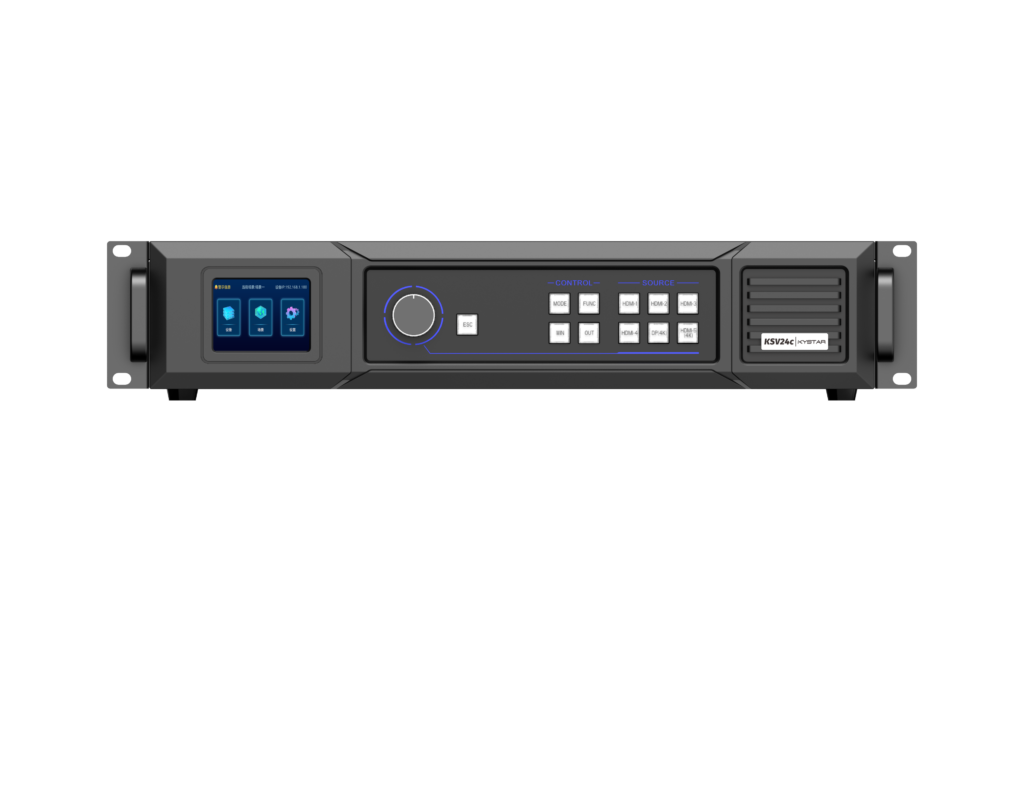
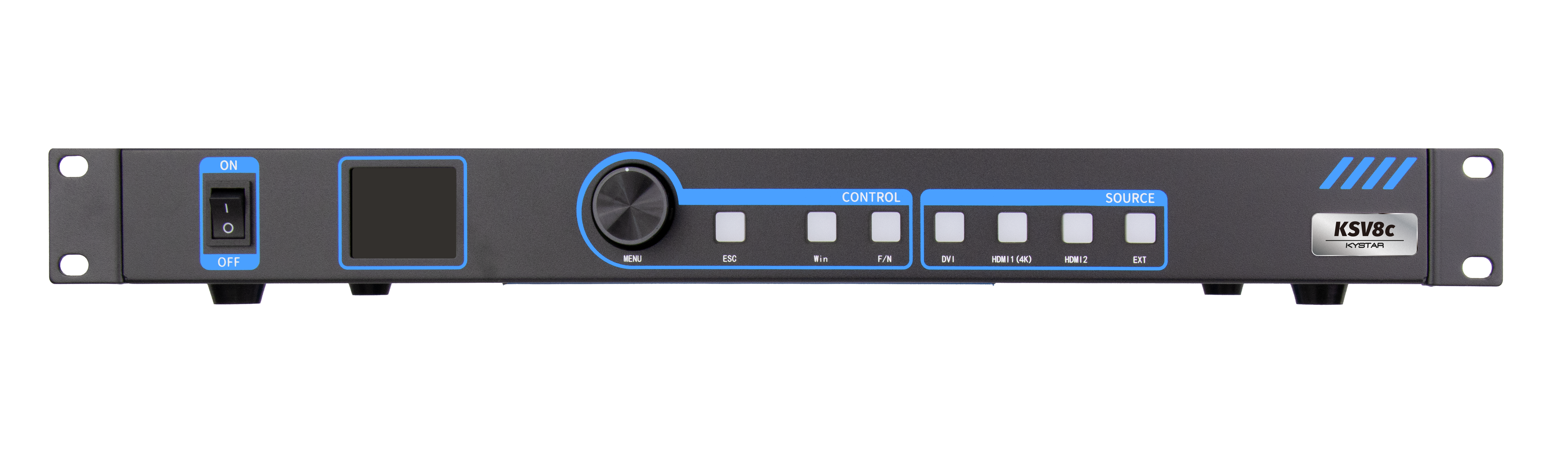
When you open the box, attention goes to the elements that actually break or save you during service: frame buffer size, input/output port resilience, and latency between source and panel. Proper synchronization across several cabinets matters more than raw throughput; a misaligned sync shows up as tearing, not a slow dashboard. In this piece I’ll drop two project realities — {main_keyword} and {variation_keyword} — straight into the build notes so they sit where engineers check first. For hands-on builds, integrate a reliable sending card LED screen solution that supports robust firmware updates and redundancy, because firmware fixes often beat hardware swaps in the field. Latency budgets and synchronization windows should be defined in milliseconds; the video processor must support color gamut management and HDR where content demands it.
Common mistakes, and sensible alternatives
Most mistakes come from buying for spec-sheets rather than context. Folks chase the smallest pixel pitch when viewing distance doesn’t require it — you pay more, you sweat more on cooling and power. Others ignore remote diagnostics and end up on-site for issues that a simple log pull would’ve fixed. Alternatives to heavy custom stacks include modular players with containerized apps, or managed platforms that offload update and monitoring. Remember to test for worst-case scenarios: power interruptions, network brownouts, and content corruption. – Small teams often skip burn-in tests; don’t be that team. – Also, validate color and gamma on actual panels, not just in the lab.
Three golden rules for choosing the right gear
1. Measure the environment first: quantify viewing distance, ambient light, and expected motion content. Use pixel pitch and resolution to match viewers’ eyes, not showroom specs.
2. Prioritise uptime architecture: choose players with local failover, redundant storage, and remote diagnostics. Check frame buffer capacity and the speed of the video processor to avoid playback drops under load.
3. Insist on field-proven management: firmware update paths, synchronization accuracy, and clear latency metrics. Products that publish actual timing windows and recovery procedures save real wages and time.
These three rules cut the noise and put you in control — measurable checks, predictable recovery, and sensible specing make the difference in busy public installations. Kystar. —